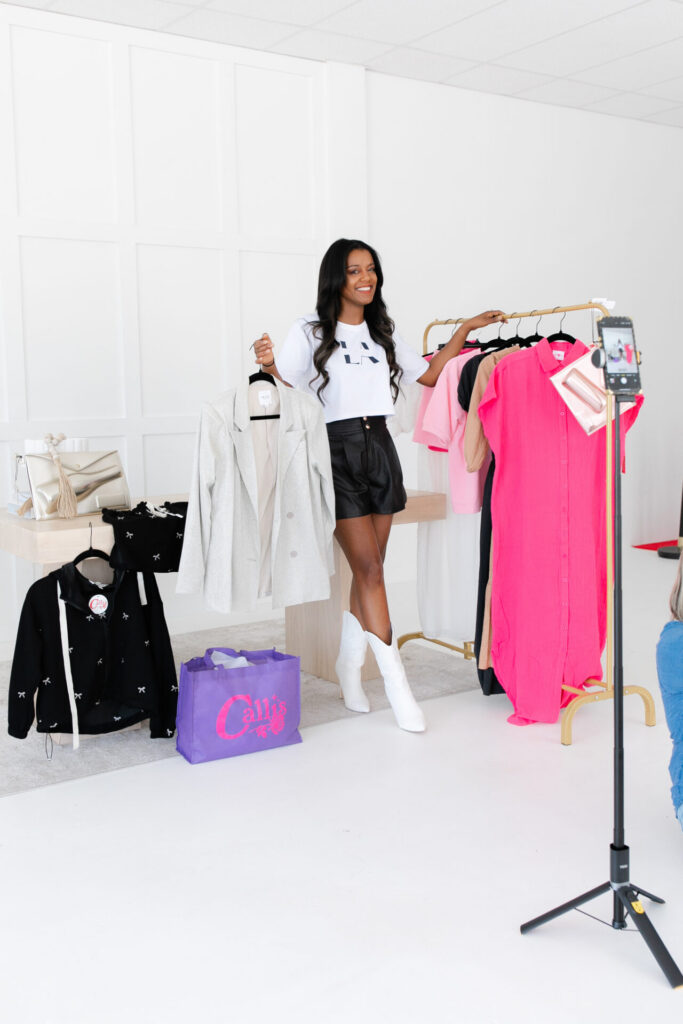
If you’ve ever said “I never have time to post”, the problem usually isn’t ideas.
It’s not having content ready.
A structured content creation day allows business owners and creators to batch weeks (or months) of social media content in just a few hours.
At Jax Creator Day inside Jax Mini Sessions Studio in Jacksonville, Florida, creators come in overwhelmed and leave with an organized content library they can actually use.
This guide will teach you exactly how to plan a content day, what to film, and what to bring so you maximize your time in a content studio.
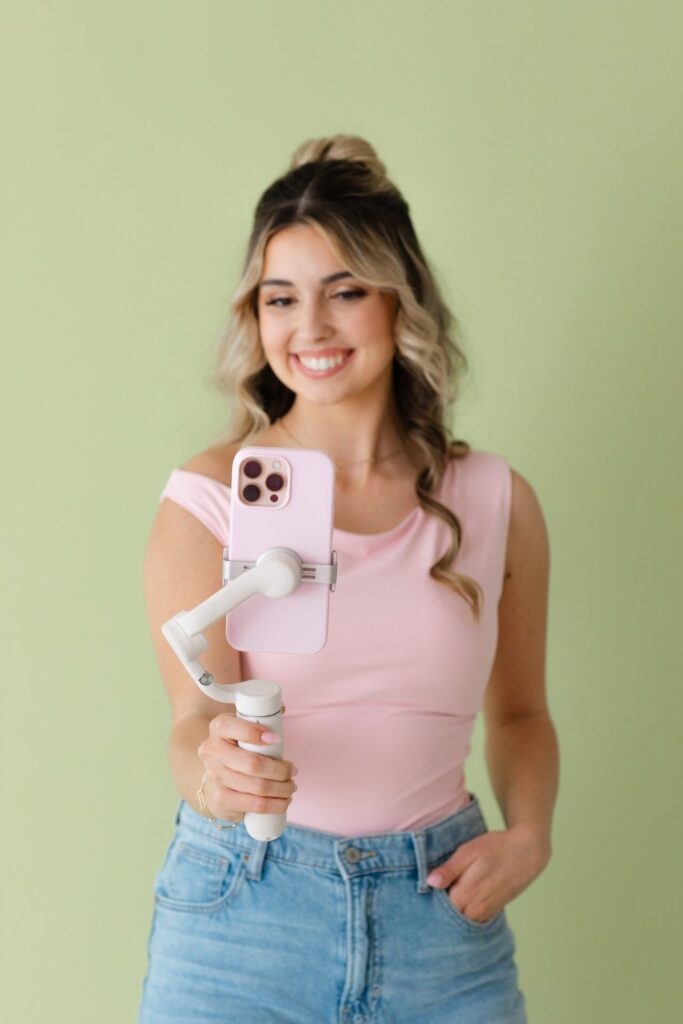
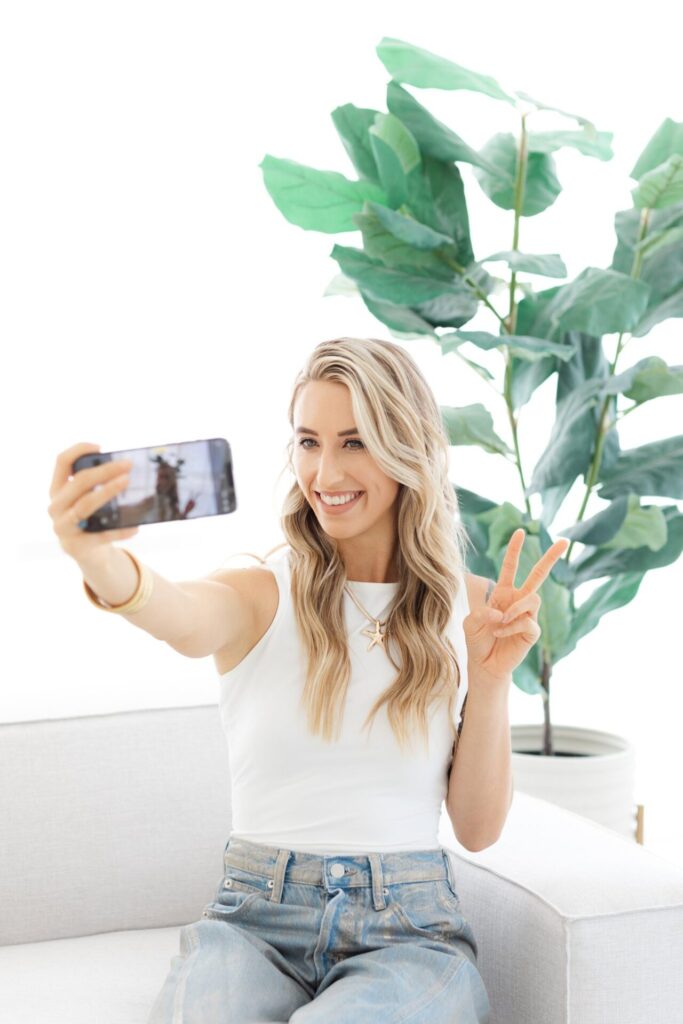
Why Batch Content Instead of Filming Daily?
Batch creating content helps you:
- Stay consistent on social media
- Reduce daily posting stress
- Improve content quality
- Focus on running your business instead of scrambling for posts
- Create a recognizable brand presence
Instead of filming every day, you film once and post for weeks.
This is how most consistent creators operate.
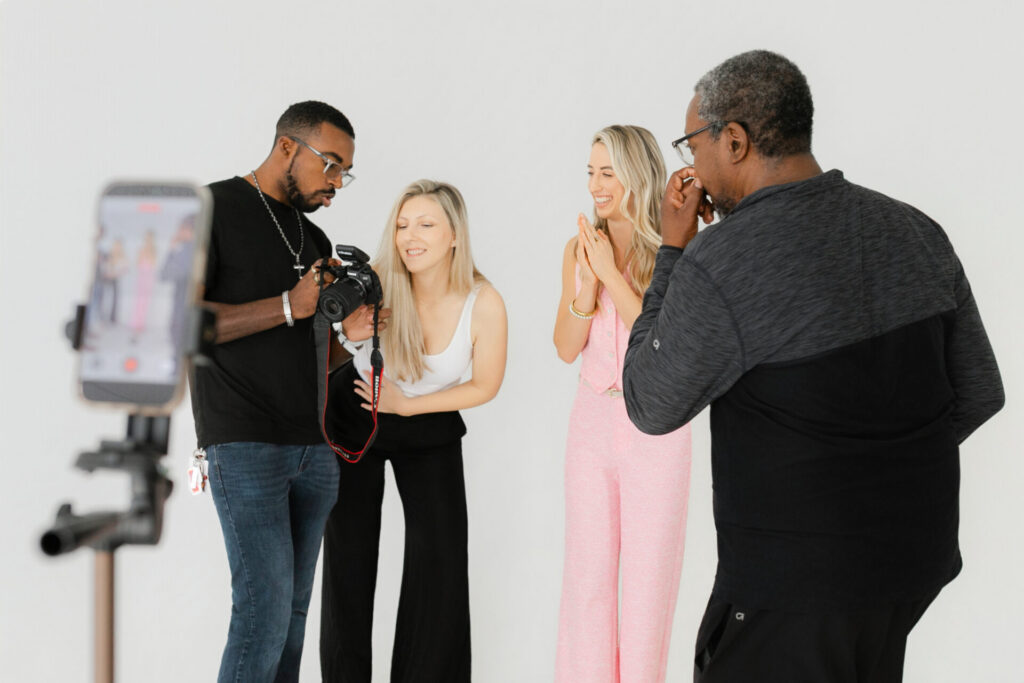
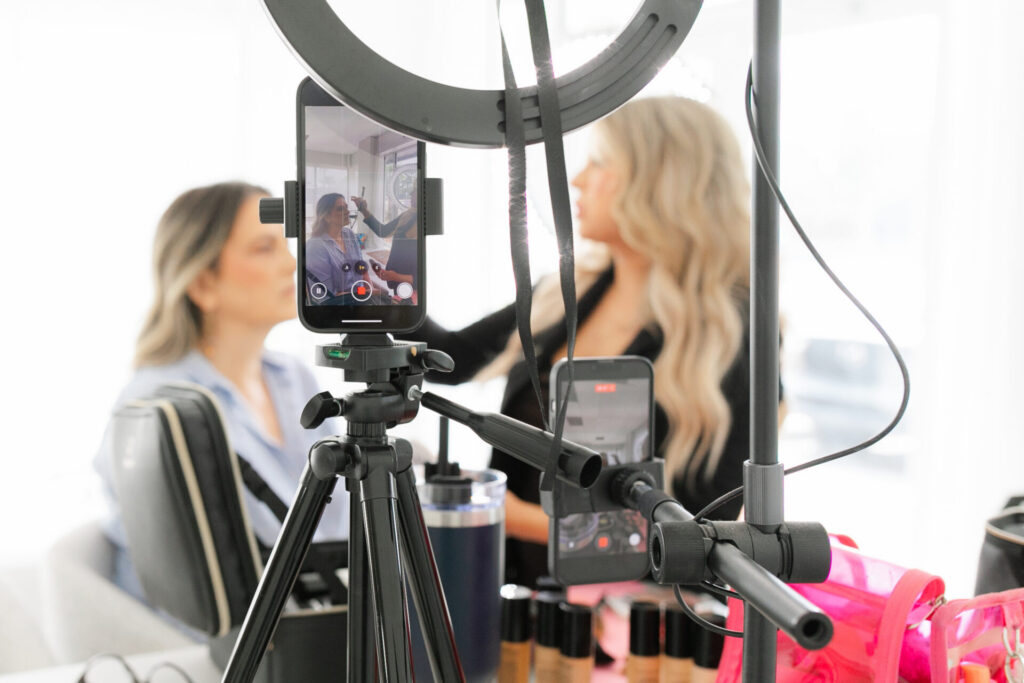
Step 1: Plan 3 Types of Content Before You Arrive
The biggest mistake business owners make during a content shoot is trying to film everything.
Instead, divide your content into three categories:
Authority Content (Build Trust)
Teach something your audience needs to know.
Examples:
- Tips
- Frequently asked questions
- Educational advice
- Industry knowledge
Personality Content (Build Connection)
Help people feel like they know you.
Examples:
- Storytime videos
- Opinions
- Behind the scenes
- Your journey
Promotional Content (Generate Leads)
Explain what you do and how you help people.
Examples:
- Services
- Offers
- Client results
- Calls to action
Filming just 3 videos in each category = 9 posts
Add B-roll and edits and you now have weeks of content.
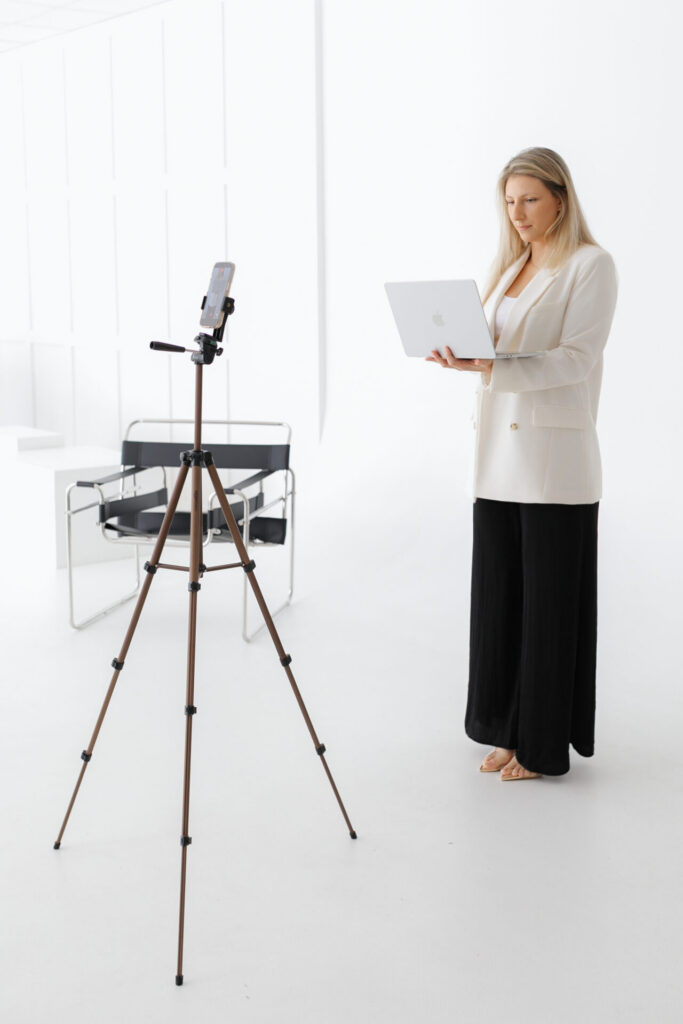
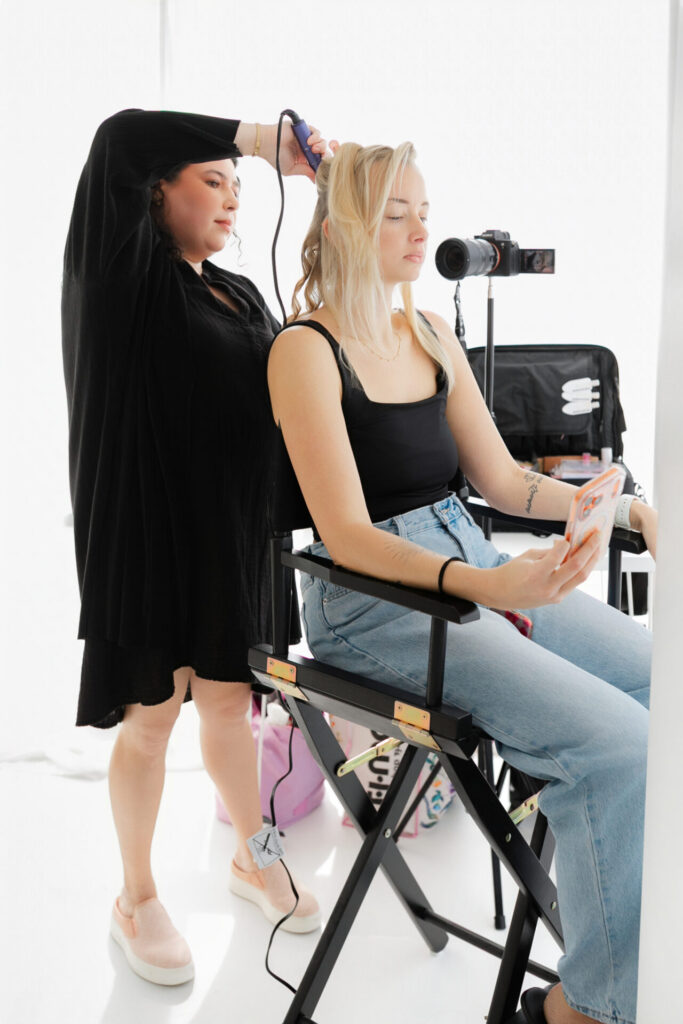
Step 2: Batch Film Talking Videos Fast
Do not come up with ideas during your shoot.
Write prompts beforehand in your notes app.
Here are evergreen prompts that work for almost every business:
- 3 mistakes people make when ___
- Before you hire a ___ know this
- The biggest myth about ___
- What people think vs reality of my job
- If I started over I would ___
Record them quickly without reviewing footage between takes.
Momentum creates more content than perfection.
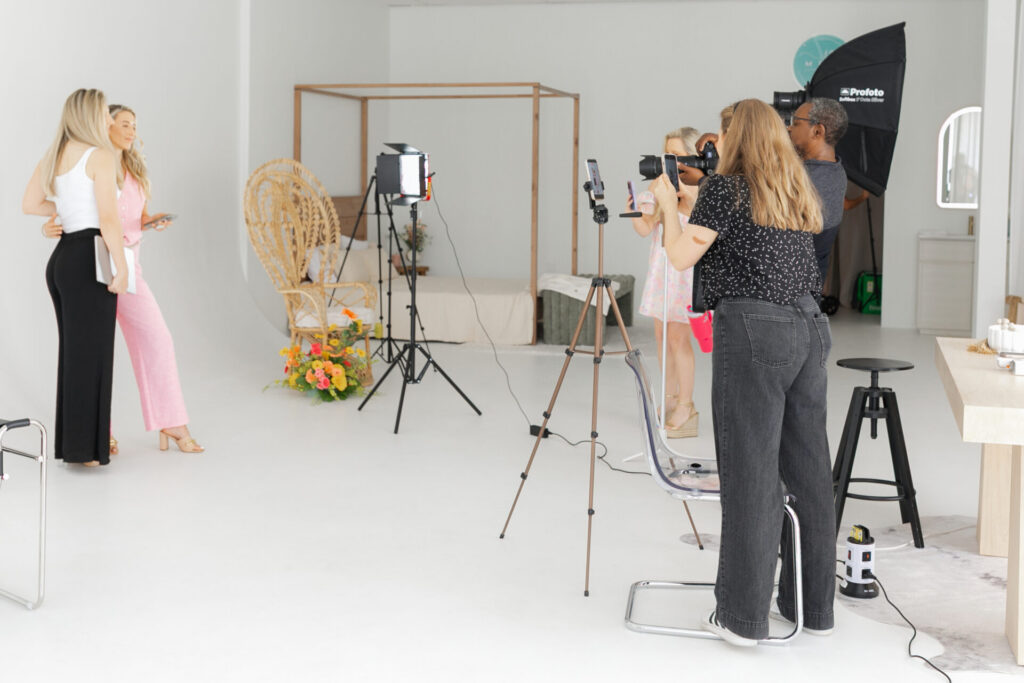
Step 3: Film B-Roll (This Is What You’ll Use Most)
B-roll is supporting footage layered over talking videos.
You will use it constantly when editing Reels, TikToks, and short-form video.
Film things like:
- Walking into the studio
- Working on a laptop
- Hands doing your work
- Setting up equipment
- Coffee or desk moments
- Client interaction simulations
- Behind-the-scenes clips
One hour of B-roll can support an entire month of posts.
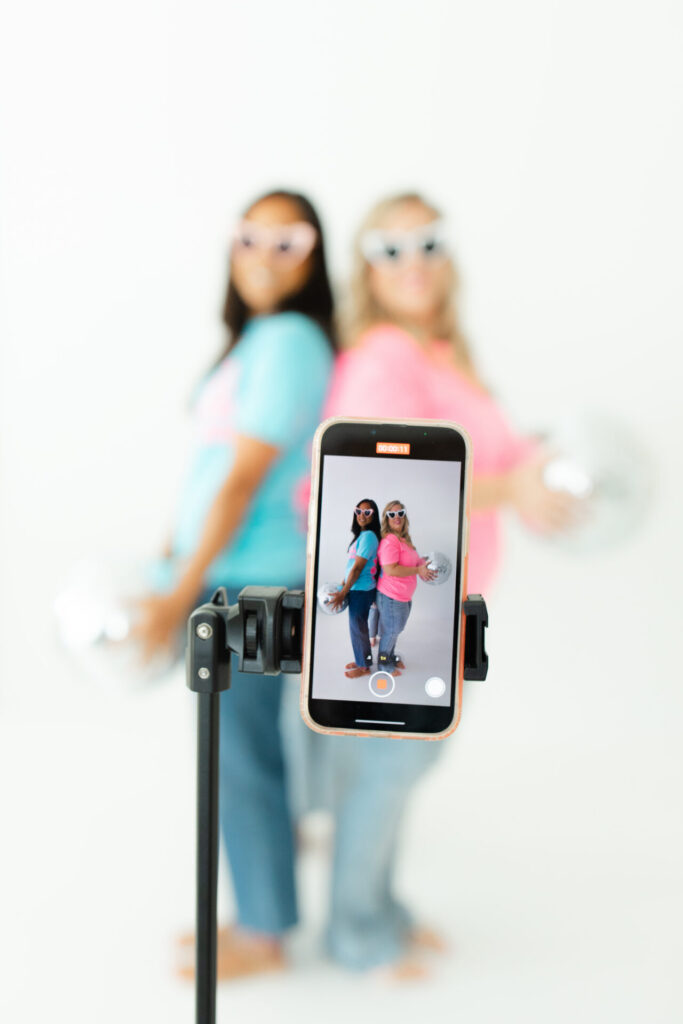
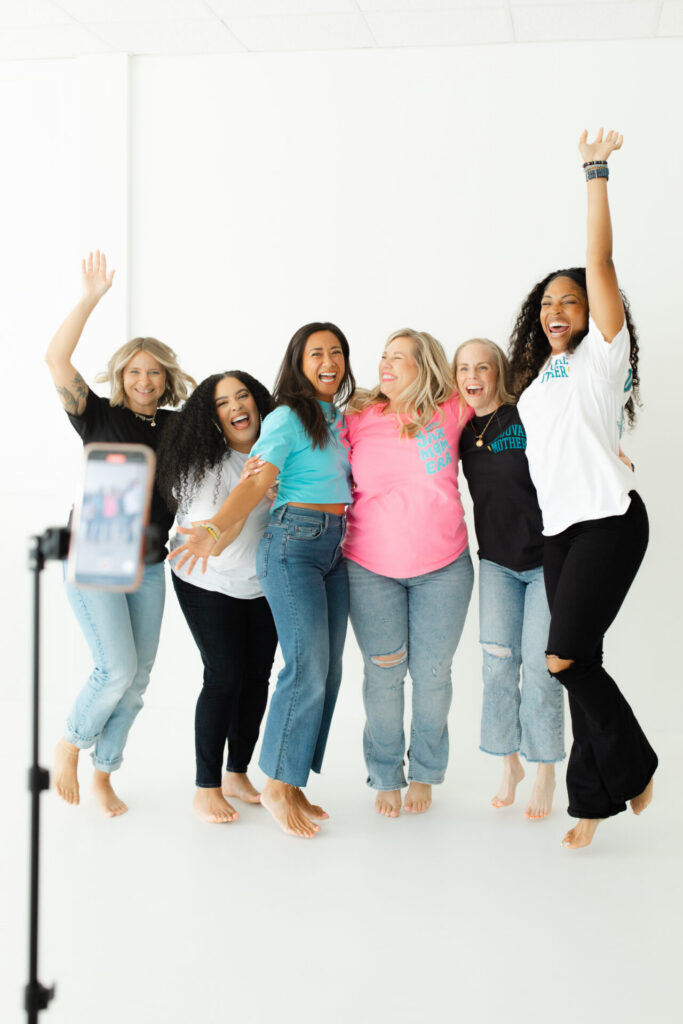
Step 4: Change Outfits to Multiply Content
Different outfits make your audience perceive content as filmed on different days.
Bring 2–3 wardrobe options:
- Professional outfit (trust)
- Casual outfit (relatable)
- Bold outfit (attention-grabbing)
You can also change jackets, layers, and shoes for quick variations.
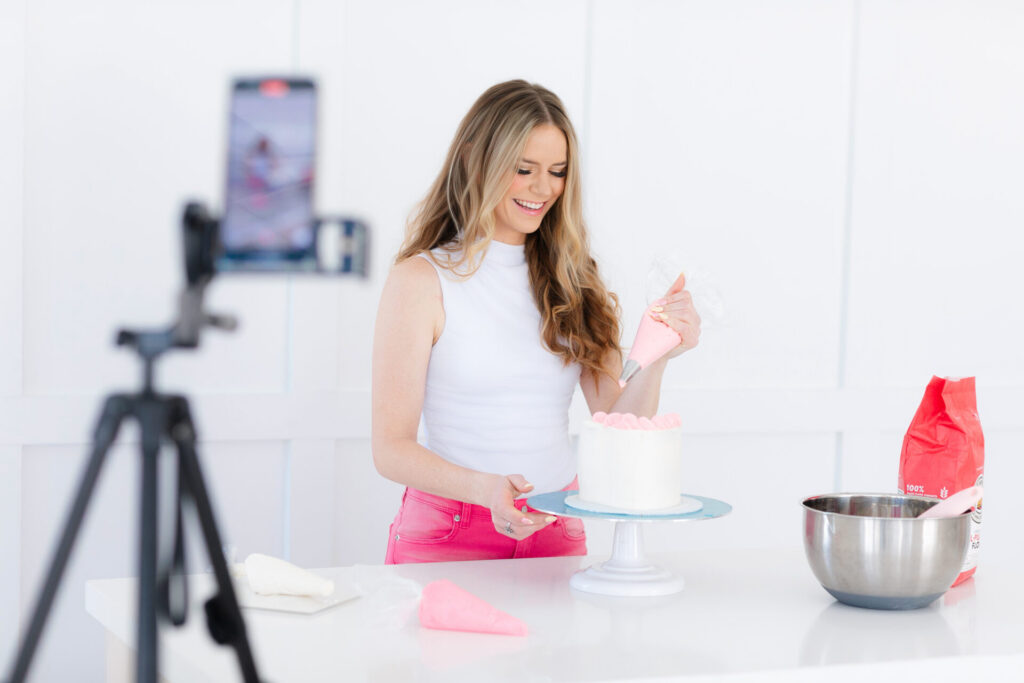
Step 5: Film Vertical and Horizontal Video
Many creators only film vertical content and limit their marketing options.
Film both:
Vertical Video
Instagram Reels
TikTok
Shorts
Horizontal Video
YouTube
Website banners
Courses
Blog embeds
One recording session becomes content across every platform.
Step 6: Create Evergreen Content for Future You
Record content you will need later:
- Introductions
- FAQs
- Seasonal advice
- Testimonials prompts
- “Who I help” videos
This prevents future content gaps.
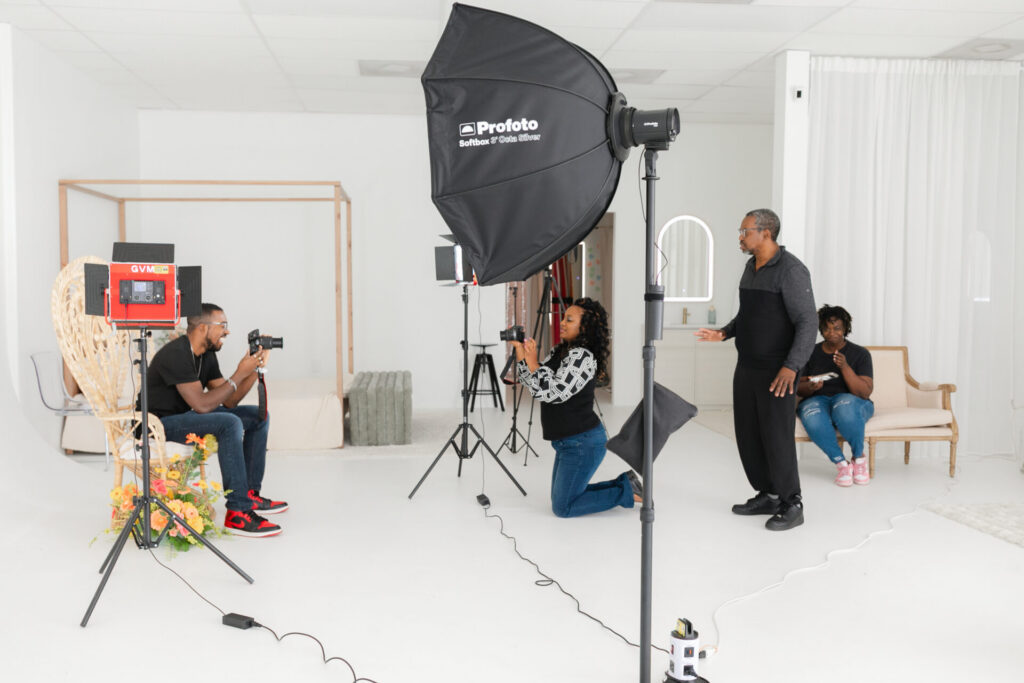
What to Bring to a Content Creation Studio Session
Being prepared dramatically increases the amount of content you leave with.
Equipment
- Phone and/or camera
- Fully charged batteries
- Extra storage (clear phone space or bring SD cards)
- Tripod or phone stand
- External microphone (reduces echo and background noise)
Wardrobe
- 2–3 outfits
- Layers for quick changes
- Neutral shoes
Branding Materials
- Business cards
- Packaging
- Laptop or tablet
- Planner or notebook
- Products or tools
Work Props
- Tools you use in your business
- Work bag or setup
- Client paperwork
- Coffee mug or drink
Helpful Extras
- Chargers or extension cord
- Lint roller
- Makeup touch-ups
- Water or snacks
Final Advice: Don’t Aim for Perfect, Aim for Posted
The goal of a content day is volume.
You are building a content library, not filming a commercial.
Messy content posted consistently performs better than perfect content never shared.
Create Content Faster at a Jacksonville Content Studio
If you’re a small business owner, entrepreneur, or creator in Northeast Florida, a dedicated content studio helps you focus and produce more usable content in less time.
A structured content creation session allows you to:
- Film social media videos efficiently
- Capture professional brand visuals
- Build a backlog of posts
- Stay consistent without daily stress
When you walk in with a plan, a few outfits, and real tools from your business, you can realistically create weeks of content in just a few hours.
You don’t need more time.
You need one focused content day.
Want to join us at our next Jax Creator Day? Click here to see upcoming dates!
0 Comments
LEAVE A COMMENT